
Raspberry Pi 5 と OS Forky
目次
次期Debian Forkyの開発はkernel ver 7.1.xで進行中
Linux環境ではエンドユーザーも簡単にLinux Kernel 7.0を利用することが可能である。Ubuntu 26.04 LTS (aarch64版)でも、
Linux ubuntu 7.0.0-1016-raspi #16-Ubuntu Thu Jul 23 22:56:44 UTC 2026 aarch64 GNU/Linux (2026.08.22時点)バージョンになっているからだ。
2027年にリリース予定されているDebian14 ForkyもKernel 7.0でリリースされるものだと思っているので、確かめてみた。
ただRaspberry Piに最適化された*.img.xz等「preinstalled image」は2027年ならないとリリースされないから、この時点でテストをしても意味がないのは承知している。
本家のRaspberry Pi Debian imagesでも、【debian-14-raspi-arm64-daily.tar.xz】として用意されているけれども、動作するとはまだ言えない。
・https://raspi.debian.net 又は https://cloud.debian.org/images/cloud/forky/daily/
しかし、テスト仕様は既に
# Bootディスクに内包
bcm2712-rpi-5-b.dtb
bcm2712-d-rpi-5-b.dtb
# Bootディスク内config.txtから抜粋
kernel=vmlinuz-7.1.8+deb14-arm64
initramfs initrd.img-7.1.8+deb14-arm64
kernelは7.1.xをベースに開発されている。
残念ながら小生には起動させることはできなかった。Debian Daily Build の Pi5サポートが不完全ということもある。
そもそもDebian版ではそれなりの力量が必要なわけで、素直にRaspberry Pi版のイメージを待つ方がいいのだと思う。
メモ:ForkyテストBootメディア作成方法
Raspberry Pi Imager v2.0.11にてBootメディアを作成
【debian-14-raspi-arm64-daily.tar.xz】を(カスタムイメージ)指定してRaspberry Pi Imager v2.0.11でメディアに書き込むと、config.txtとcmdline.txtが壊れてしまう。
#エラー内容を表示

The installed operating system does not indicate support for Raspberry Pi 5.
Update the OS or set os_check=0 in config.txt to skip this check.
#コマンド操作:config.txtの中身を見ている
$ hexdump -C /mnt/efi/config.txt | head -20
00000000 00 00 00 00 00 00 00 00 00 00 00 00 00 00 00 00 |................|
*
00000240 00 00 00 00 00 00 00 |.......|
00000247
もしかしたら他のファイルも影響を受けるのかもしれない。【Raspberry Pi Imager】は万能かなと思っていたのだが、ケースベイケースということかな・・・
DDコマンドのよるBootメディアを作成
【debian-14-raspi-arm64-daily.tar.xz】をファイル展開した【disk.raw】を読み込み、メディアに書き込む。
# 解凍したフォルダからコマンド操作
sudo dd if=disk.raw of=/dev/sda bs=16M status=progress conv=fsyncコマンド操作したBootディスクでは、きちんとconfig.txtもきちんと作成されている。
#config.txtの内容を表示

arm_64bit=1
enable_uart=1
upstream_kernel=1
kernel=vmlinuz-7.1.8+deb14-arm64
# For details on the initramfs directive, see
# https://www.raspberrypi.org/forums/viewtopic.php?f=63&t=10532
initramfs initrd.img-7.1.8+deb14-arm64
os_check=0
スポンサーサイト
amazon タイムセール amazon Raspberry pi 5 m.2 hat
2026.08月、dailyイメージではBootしない
【Raspberry Pi Imager 】作成メディアよりも多少Bootファイルを読んでいるが、すぐに【Kernel panic】で起動不能となった。
小生には理解が及ばない。
#メッセージ表示

[ 1.707687] Kernel panic - not syncing: Asynchronous SError Interrupt
[ 1.707689] CPU: 0 UID: 0 PID: 37 Comm: kworker/u16:2 Tainted: G M
[ 1.707691] Tainted: [M]=MACHINE_CHECK
[ 1.707692] Hardware name: Raspberry Pi 5 Model B Rev 1.1 (DT)
[ 1.707693] Workqueue: async async_run_entry_fn
[ 1.707697] Call trace:
[ 1.707699] show_stack+0x20/0x40 (C)
[ 1.707703] dump_stack_lvl+0x60/0x80
[ 1.707706] dump_stack+0x18/0x24
[ 1.707708] panic+0x2c4/0x4c0
[ 1.707711] panic+0x68/0x70
[ 1.707713] nmi_panic+0x74/0x80
[ 1.707717] arm64_serror_panic+0x78/0x90
[ 1.707720] arm64_is_fatal_ras_serror+0x3c/0xc0
[ 1.707722] do_serror+0x60/0x80
[ 1.707725] el1h_64_error_handler+0x38/0x58
[ 1.707729] el1h_64_error+0x6c/0x70
[ 1.707731] brcmstb_pull_config_set+0x64/0xee8 [pinctrl_brcmstb] (P)
[ 1.707734] brcmstb_pinfon_set+0xbc/0xf0 [pinctrl_brcmstb]
[ 1.707736] pinconf_apply_setting+0xc4/0x148
[ 1.707740] pinctrl_commit_state+0xf4/0x278
[ 1.707743] pinctrl_select_state+0x24/0x40
[ 1.707745] pinctrl_bind_pins+0x218/0x300
[ 1.707751] really_probe+0x60/0x3f0
[ 1.707754] __driver_probe_device+0x90/0x1b0
[ 1.707756] driver_probe_device+0x44/0x128
[ 1.707758] __device_attach_driver+0xc4/0x198
[ 1.707760] bus_for_each_drv+0x90/0x100
[ 1.707762] __device_attach_async_helper+0xb8/0x118
[ 1.707764] async_run_entry_fn+0x40/0x1a0
[ 1.707766] process_one_work+0x17c/0x510
[ 1.707769] worker_thread+0x18c/0x310
[ 1.707771] kthread+0xd4/0x150
[ 1.707774] ret_from_fork+0x10/0x20
[ 1.707777] SMP: stopping secondary CPUs
[ 1.707784] Kernel Offset: 0x207bce400000 from 0xfffff80008000000
[ 1.707785] PHYS_OFFSET: 0xfff1000000000000
[ 1.707786] CPU features: 0x0a000000,005c000a,80460500,0401720b
[ 1.707788] Memory Limit: none
[ 1.732563] ---[ end Kernel panic - not syncing: Asynchronous SError Interrupt
解説によると、
バージョンの不整合:カーネルのデバイスツリー(DTB)がRaspi5のハードウェアと完全に一致していない
特定のピン設定コードの不正:使用しているカーネルのpinctrl-brcmstbドライバが未だ開発途上
ハードウェア初期ベースのズレ:ブートローダー(Raspi5ファームウェア)とカーネルとの差異
最新のTrixieはkernel 6.18.39-1+rpt1
小生のTrixieはkernel 6.12.47+rpt-rpi-v8 (Main Desktop)
Ubuntu Raspi5はkernel 7.0.0-1016-raspi
開発Forkyはkernel 7.1.8+deb14-arm64
次期Desktop OSはForkyなので、遅かれ早かれ馴染むのが必要である。何かしらトライしていこう。
関連過去Log:Raspberry Pi 5 Software関連
Raspberry Pi OS Trixie と【naps2 8.3.2】
続 Raspberry Pi OS Trixie と 複合機 Canon TS5430
Raspi5:BVM コマンドのおさらいとRaspi5 shudown スクリプト
Raspi5版Ubuntu26.04LTS kernel Update
Raspi5+BVM MS Defender機能の復活を目論む
Ubuntu 26.04 LTS リリース7days later
リリースされたUbuntu 26.04 LTSとRaspi5
Raspi5+Wine+Sony【Music Center for PC】2.7.3なら
Raspi5+BVMでSony【Music Center for PC】2.7.3を使う
Pi OS Trixie+Wine環境 SATA HDD カタログ化ソフト Cathy2.28.3
Pi OS Trixie :Wine(x64)を11.4へ Update
Pi OS Trixie Wine Desktop アイコン作成
Trixie Desktop Apps【Botspot Screen Recorder】を使う
Raspi5-PT3機はTrixie OSでの運用へ
Raspberry Pi OS Trixie と Desktop Software
BVM on Trixie:Windows11 install自動応答ファイルの作成
Raspberry Pi OS Trixie と PT3
Raspberry Pi OS Trixie と Kodi21
Raspberry Pi OS Trixie と BVM
更新ばやり BVM Windows11 25H2 build 26200.6584
BVM Windows11 25H2 build 26200.5074だよっ
Windows11 Canary版 build 27934.1: VMとBVM
BVM Windows11 Canary版 build 27919.1000
Raspberry pi 5 :CDリッピング 暫定2025版
Raspberry pi 5:aptコマンドで指定パッケージのみアップグレード
Raspberry pi 5 でのCDリッピング事情2025 途上中
BVM版Win11ではDefenderが動作しない?
Docker-compose pull: Mirakurun【3.9.0-rc.4】の固定
BVM Arm版Windows11の立ち位置
Raspi5-PT3機 Kernelのpagesizeに纏わる設定
Raspi5-PT3機 Mirakurun(3.9.0-rc.4) の補正 BS03_1,BS15_2 対策
Raspberry pi 5でもMoo0 動画カッター 1.17を利用する
Raspi5-NVMe Kodiのキーボード・ショートカットを覚える
Raspi5-PT3 Kodiでもリアルタイム視聴
Raspberry pi 5 : Window Maneger 【labwc】への切替
Bookworm RaspberryPi5: CTRLキーとCaps Lockの入替
Raspberry Pi 5:Doom3で遊ぶ
Raspi5にClamtk 6.18をインストール
Raspi5にapp store Pi-Apps を入れる
Raspi5-PT3機のシステムバックアップ
Raspi5-PT3 VLCプレーヤーでのリアルタイム視聴
Dual PT3の実例 PT3は後何年使用できるのか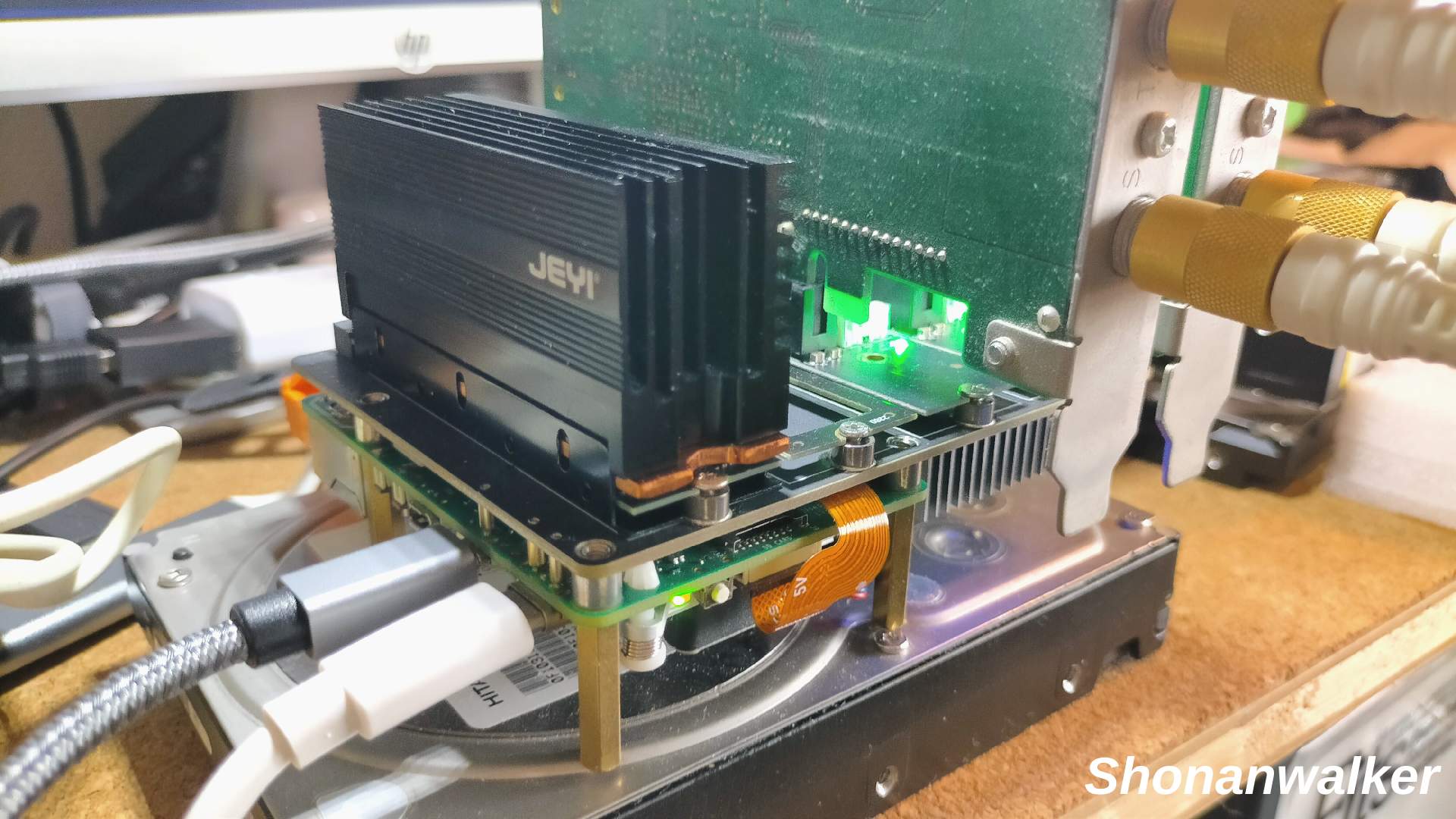
関連過去Log:Raspberry Pi 5 Hard関連
aarch64版Ubuntu 26.04 LTSでは自分でPT3ドライバーを入れる必要がある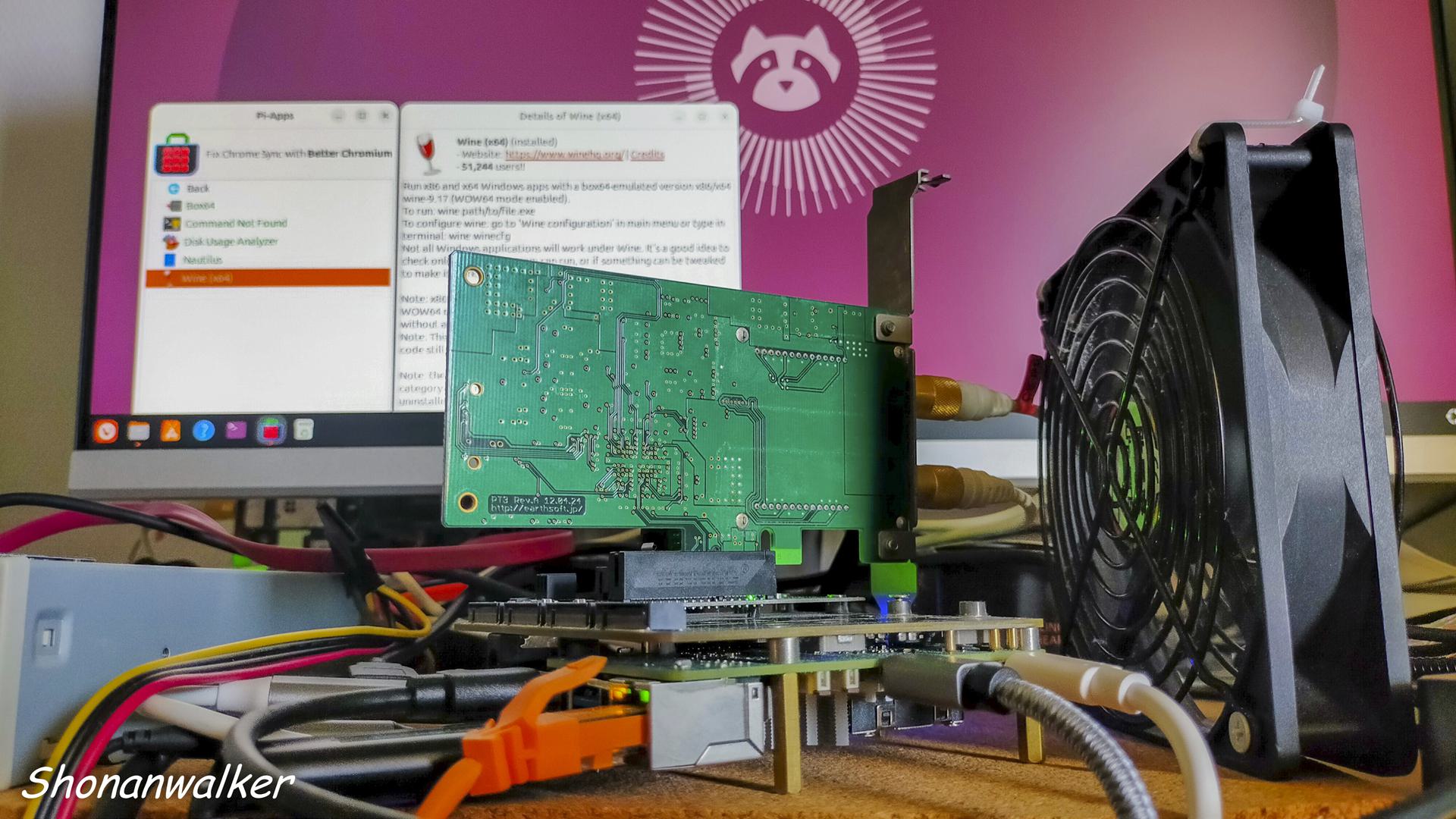
***************************************************************
Raspi5 OS Trixie:lvm2物理ボリュームのマウント方法
Raspberry Pi OS Trixie と Scanner Canon TS5430
Raspberry Pi OS Trixie と プリンター Canon TS5430
CM5 IO board :【X1505 V1.0】 SupTronicsから8SSD slot仕様
今更ながらRaspberry pi 5 Hat Mps2280は低発熱が魅力
Raspberry pi 5:PT3 2枚刺し on 【X1016 V1.0】
Raspberry pi 5:PT3 動作可能なChip別Hat 3種
Raspberry pi 5: X1016 V1.0とPT3
Raspberry pi 5 + X1016 V1.0でどうなる
ASM2806を使用した新アイテム X1016 V1.0
BVMとRaspi5-NVMe PT3
Raspi5-16GB機 初期動作テスト終了、そしてBVM
Raspberry Pi 5-PT3機はNVMe仕様へ模索中
Raspberry pi 5にSATAライザーカードを追加してみる
Raspberry pi 5:デュアルモニターにする
Raspberry pi 5とWaveshare 27710 PCIe To 2-Ch M.2 Adapter (B)
raspberry pi 5とMcuzone MPS2280D M.2hat
raspberry pi 5 m.2拡張ボード hat関連
Raspberry pi 5: X1016 V1.0と3NVMe SSD
スポンサーサイト
amazon タイムセール amazon Raspberry pi 5 m.2 hat amazon 大谷翔平
関連過去Log:BVM版 aarch64 Windows11
仮想Windows11 build 29639.1000Full機能Defender試運転中
仮想Windows11 26H2 26300.9278Full機能Defender試運転中
仮想Windows11 Canary 26H1 build 28000.2804試運転中
仮想Windows11 26H2 build 26300.9278 【Desktop仕様】利用中
仮想24H2 build 26100.1742テスト開始
仮想Windows11 26H2 build 26300.9278 Desktop版 2026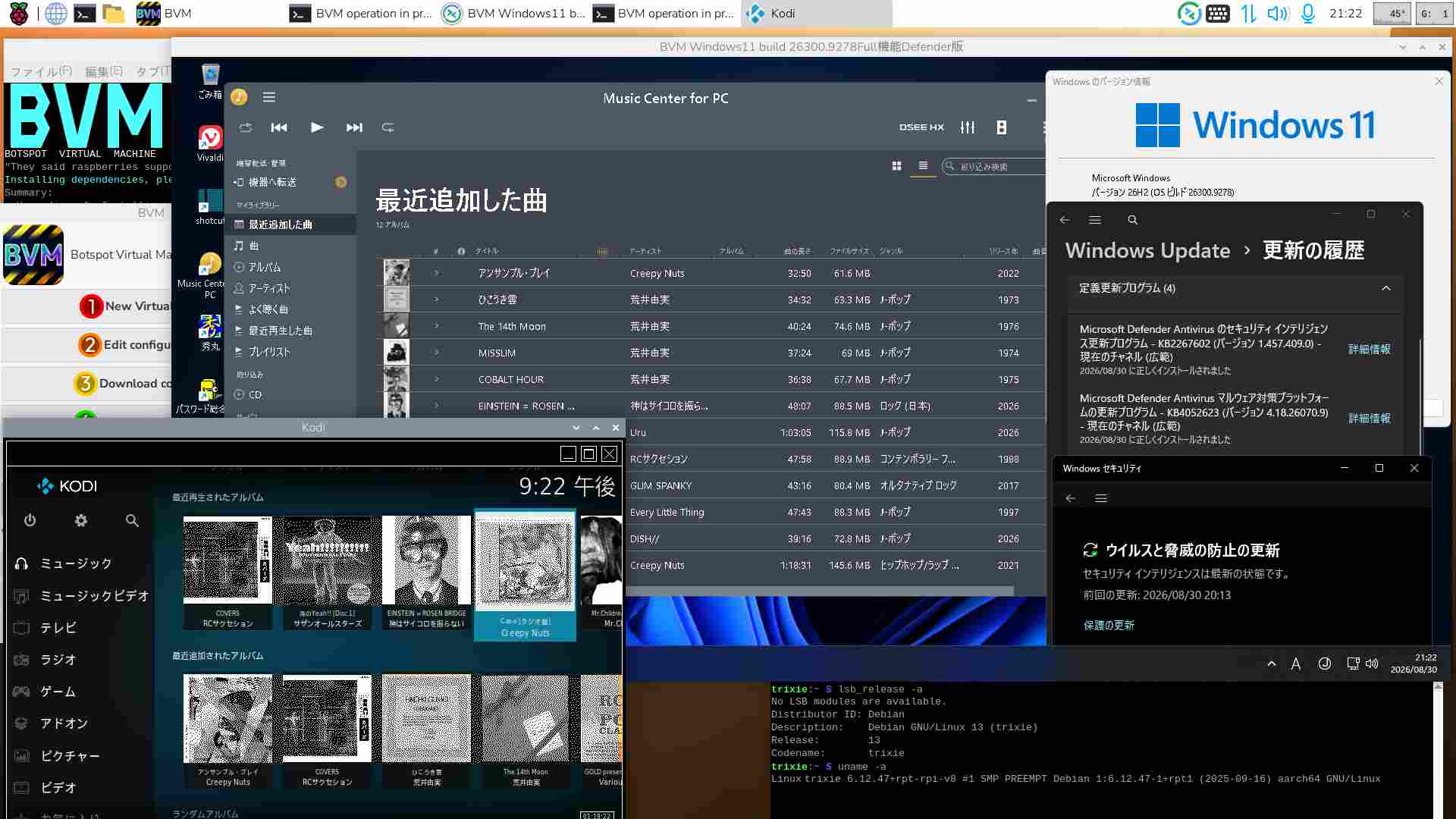
Windows Updateは時間がかかり過ぎる。1/5程度にならないものか。
仮想Windows11 26H1 build 28000.2704 2026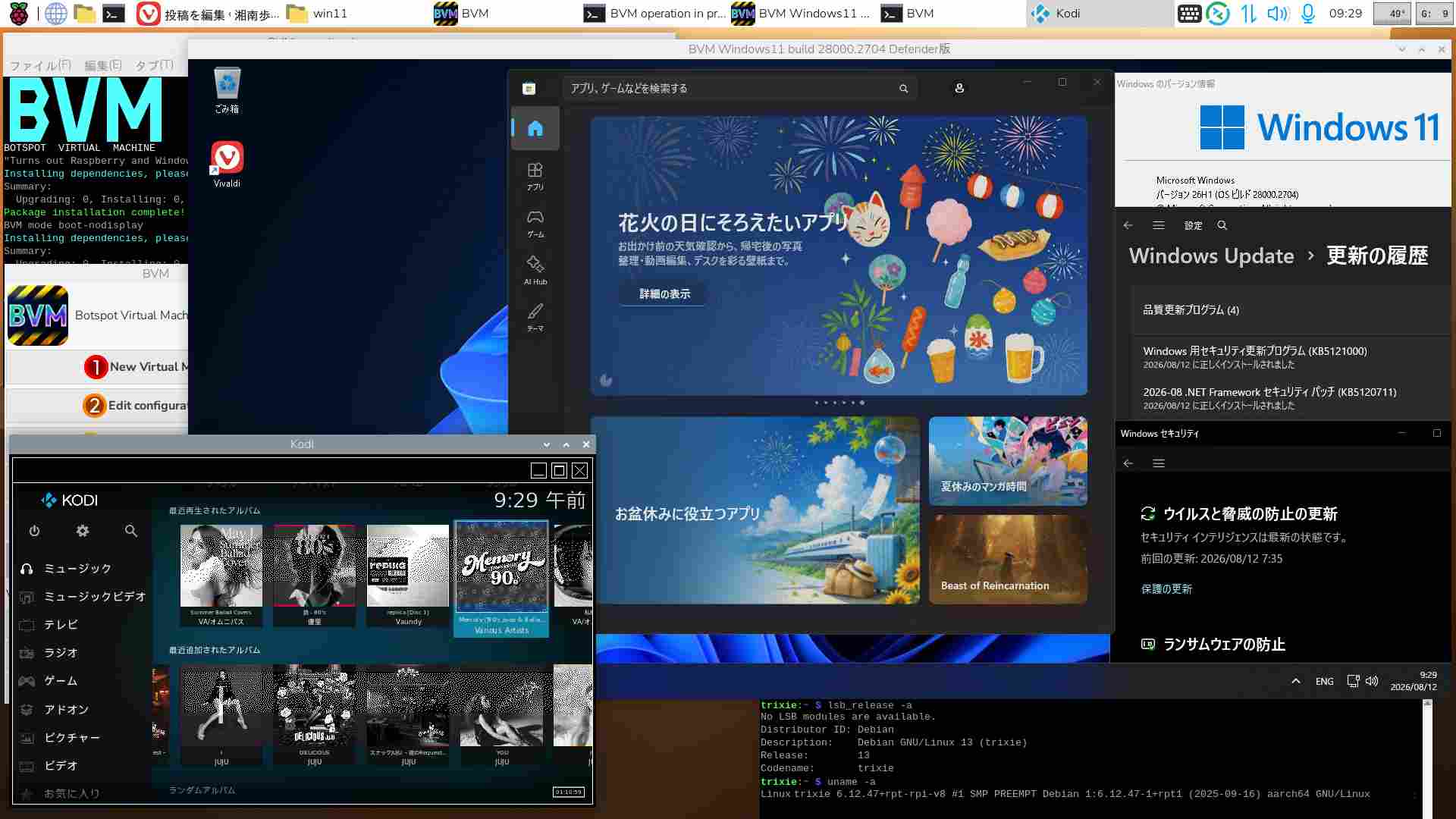
BVMでのWindows操作のうち、動画・動画編集作業は実用向きではない。TrixieでもWine環境は必要。
仮想Windows11 25H2 build 26200.9168 MCfP版 2026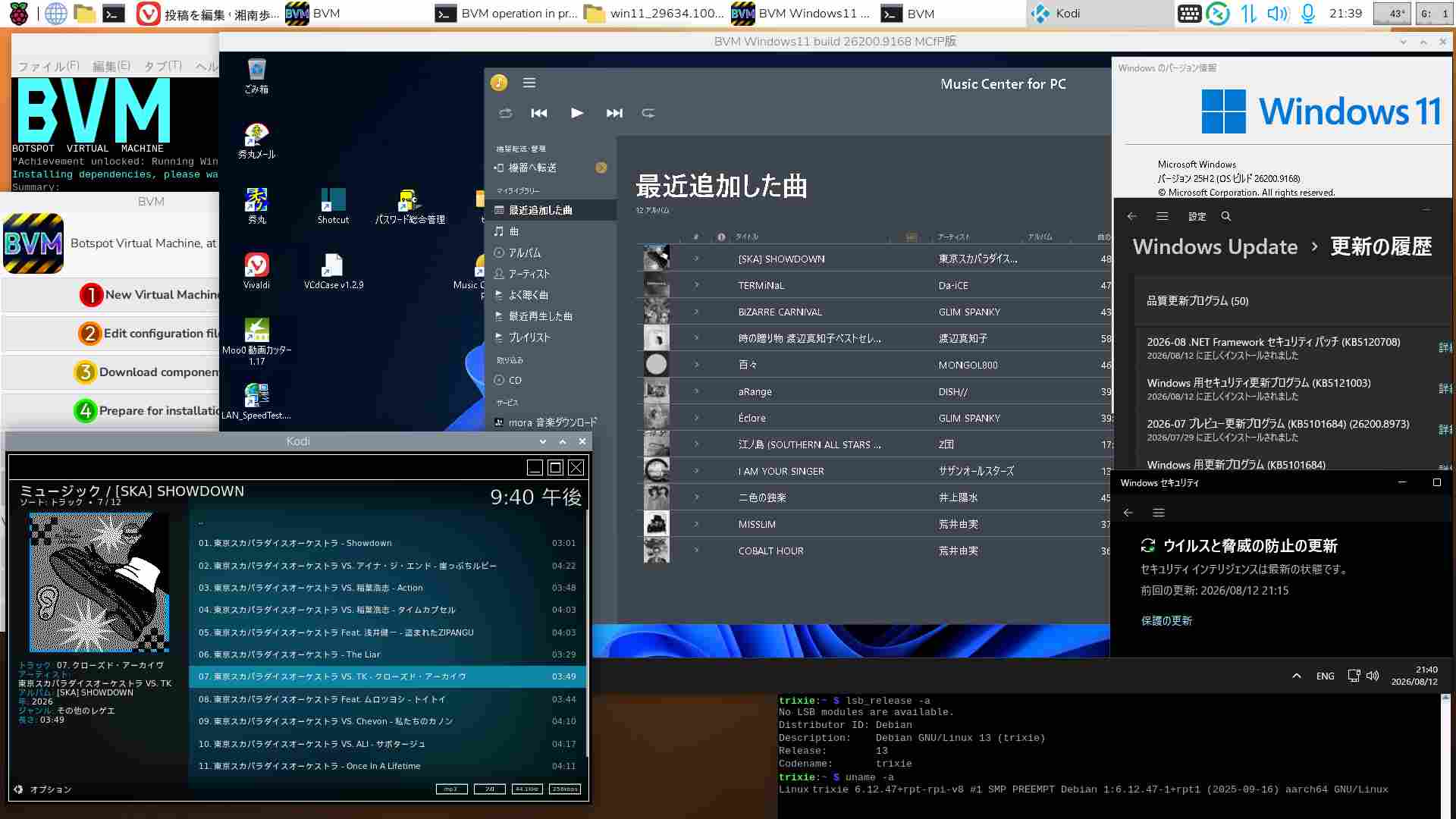
スポンサーサイト
amazon タイムセール amazon Raspberry pi 5 m.2 hat amazon 大谷翔平
仮想Windows11 build 29639.1000Full機能Defender 2026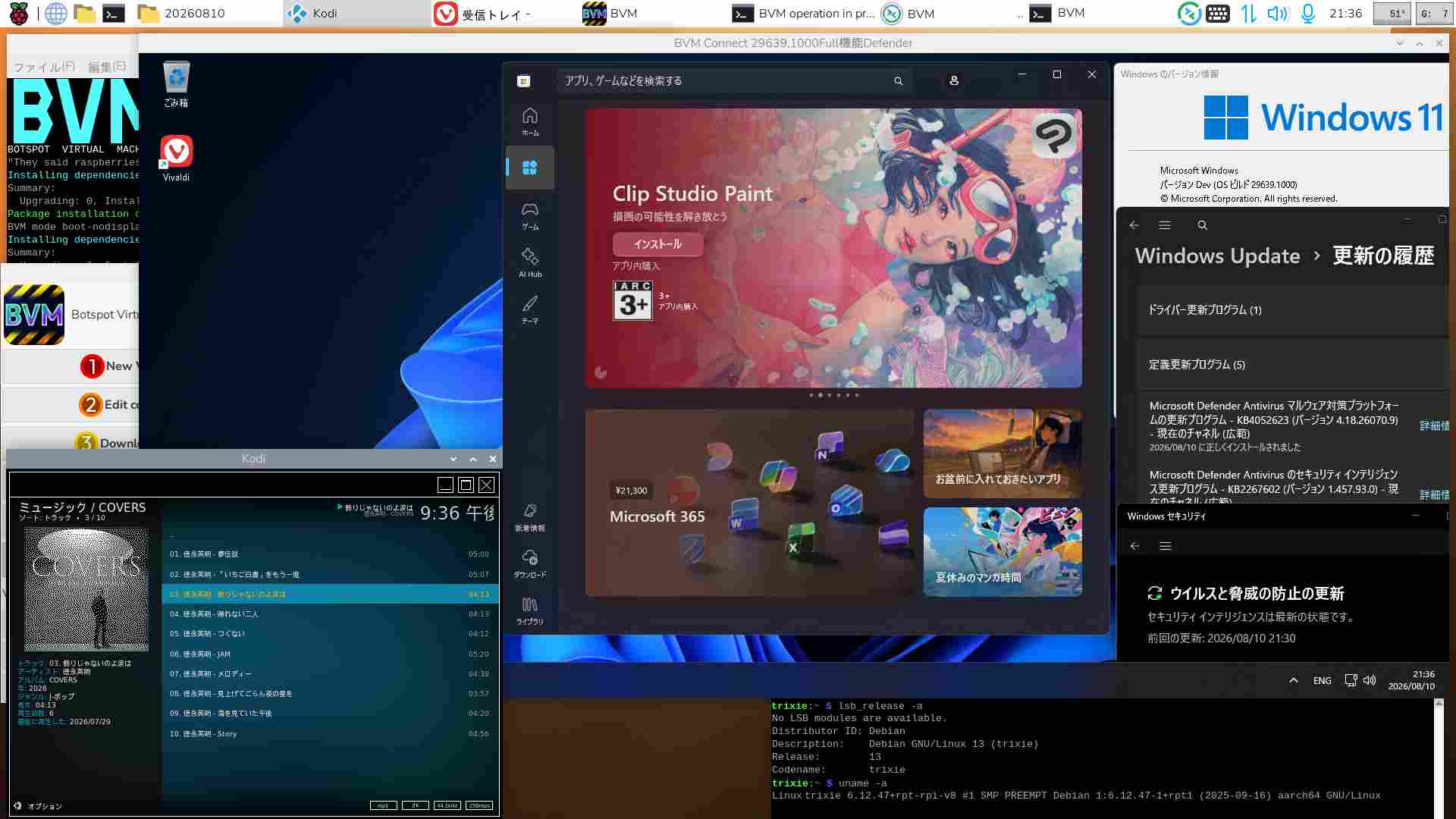
関連過去Log:PT2 x64 Ubuntu
2025.08.14からPT2はx64 Ubuntu機で利用。(aarch64ではPT2を認識させられなかった)
x64 Ubuntu 26.4 LTS+Docker (29.1.3)+mirakurun(3.9.0-rc.4) + EPGStation(v2.10.0)でテスト運用中
x64 Ubuntu 22.4 LTS+Docker (28.2.2)+mirakurun(3.9.0-rc.4) + EPGStation(v2.10.0)版Diskは一旦休止
x64 Ubuntu 26.04 LTS beta版をLegacy PC+NVMe SSD Bootで利用する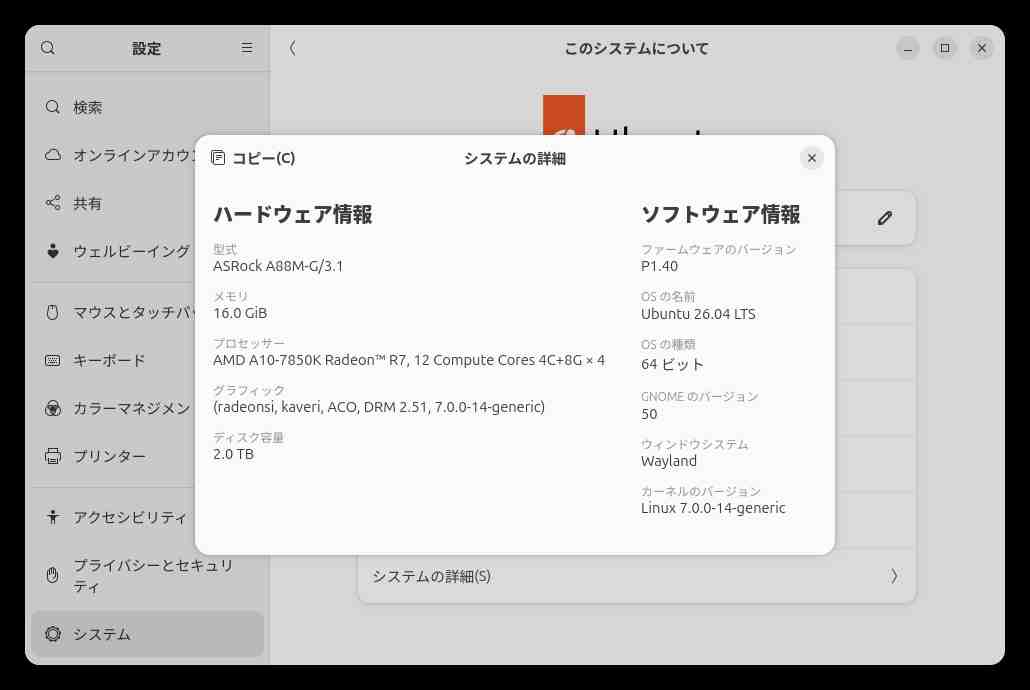
Legacy PCなので快適ではないが、NVMe SSDを利用すればUbuntuとはいえストレスは和らぐ。
Ubuntu 26.04 LTSをDesktop機として利用することはないので、【Lubuntu】【Xubuntu】は視野に入れていない。
メモリ【6GB】が最低要件などといってWindows系〇〇〇〇の記事が強調拡散されているが、現在のWindowsユーザーでさえ【4GB】にしがみついている訳ではなかろう。
この時期購入できないのは別として、【TPM2.0】と【6GB】を同一線上に見ている〇〇〇〇そのものが事実を歪めている・・・
関連過去Log:x64 Ubuntu関連
Linux 7.0.0-28-generic #28-Ubuntu SMP Jun 21 01:01:36 UTC 2026 (Ubuntu26.04.LTS版)
Linux 5.15.0-174-generic #184-Ubuntu SMP Fri Mar 13 18:41:50 (Ubuntu22.04.5LTS版)休止中
VMware x64 Windows11 canary 26H1 build 28020.1743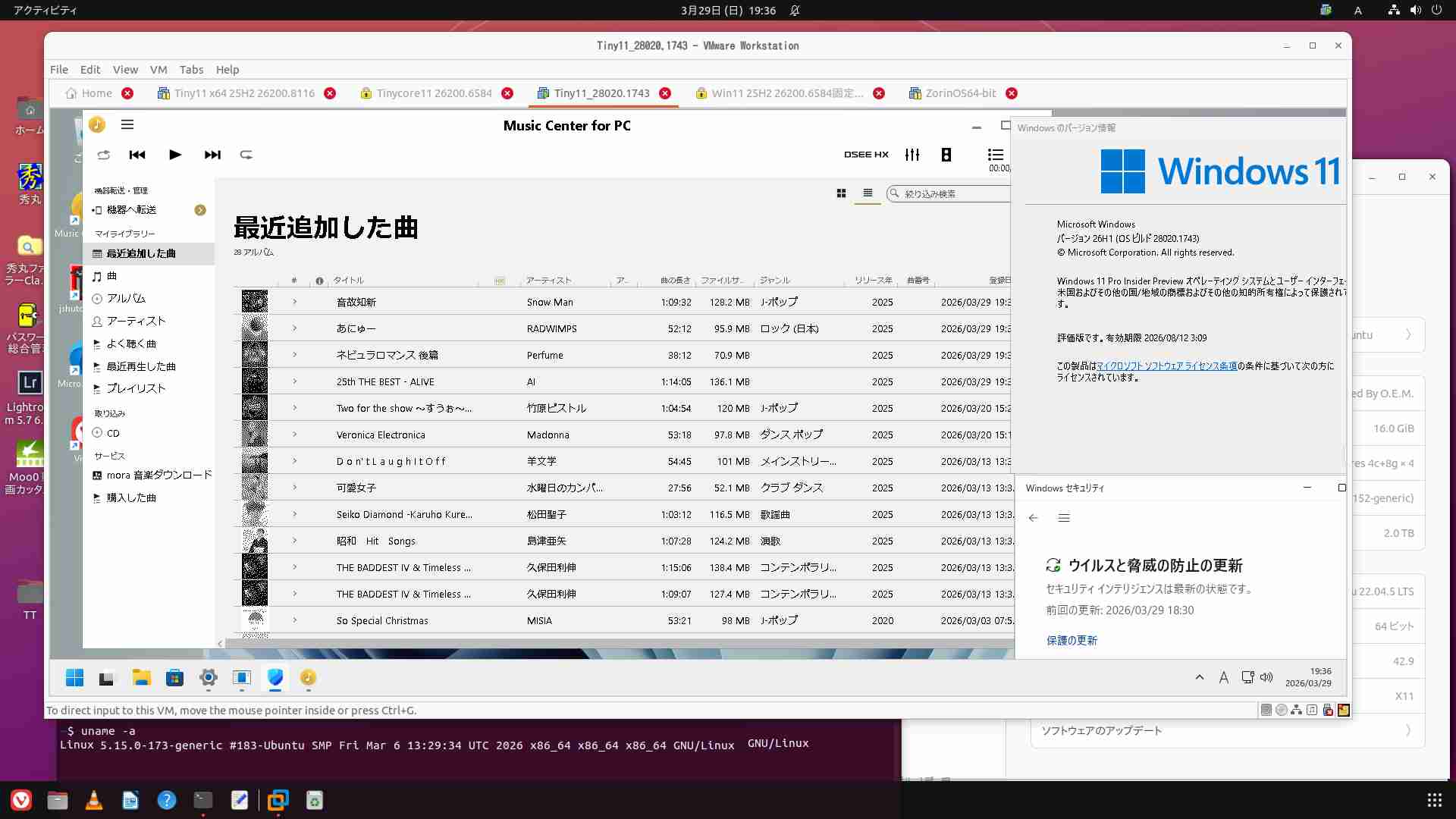
PT2は2025.08.14からx64 Ubuntuで利用開始
BVM aarch64版Windows11 25H2 build 26200.8116にて楽曲取得が出来るのなら、
x64版仮想を運用する必要がなくなった。どれか1本を残せば必要十分と考える
x64 仮想Windows11 25H2 build 26200.6584固定版☓削除
x64 仮想Windows11 canary 26H1 build 28020.1743運用停止
x64 仮想Tiny11 25H2 build 26200.8117試用中☓削除
x64 仮想TinyCore11 25H2 build 26200.6584版☓削除
x64 Ubuntu 26.04 LTSとKODI
メモ:物理PC Ubuntu26.04 LTSにPT2環境を仮設してみる
Tiny11builder September 2025 release 使ってみたよ!
まだ使えるPT2の再利用 x64 Ubuntu 22.04.5LTS
仮想Windows11 Canary版 build 27919.1000
Tiny11 builderとx64 Windows11 25H2
x64 Ubuntu機にVMware Workstation 17.6.3を導入
Ubuntu22.04LTSのClamTK6.15をUpgradeする
Tips:【Ubuntu Server 22.04 LTS】とWine8.0
Tips:【Ubuntu Server 22.04 LTS】CDリッピングとCDDB
Tips: Ubuntu 22.04 +PT3 時間指定による自動(復帰)起動:at+rtcwake
Tips:【Ubuntu Server 22.04 LTS】時間指定による自動復帰:rtcwake
Tips:【Ubuntu Server 22.04 LTS】Thunderbirdをアンインストールする
Tips:【Ubuntu Server 22.04】有線Lan接続「管理対象外」表示を修正する
Tips:Ubuntu22.04LTS CtrlとCapsLockキーの入替
Tips:Ubuntu22.04LTS テキストファイルを簡単にroot編集する
Tips:Ubuntu22.04LTS lvmの拡張をする
Tips:Ubuntu22.04LTSにClamTK6.14をインストールする
Tips:フォルダ共有 Ubuntu22.04 LTSとWindows11
Tips:新たなデスクトップを用意する Ubuntu Desktop 20.04.3 LTS
VM x64 Windows11 25H2 build 26200.8116:Update固定版26.03.29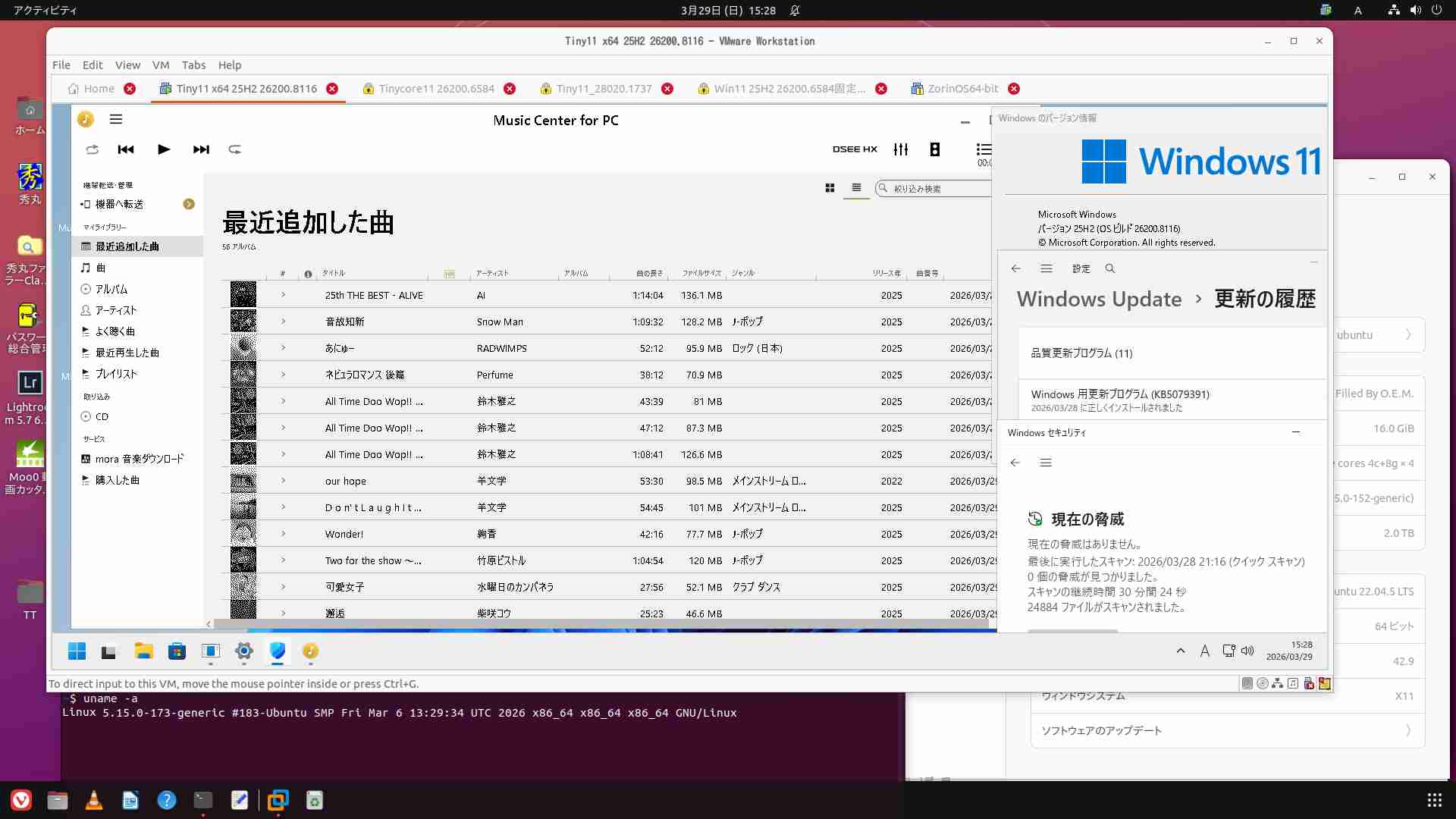
スポンサーサイト
amazon タイムセール amazon Raspberry pi 5 m.2 hat amazon 大谷翔平
320
320

関連記事
-
-
今更ながら Windows 10 Insider Preview の有効期限は?
目次1 Windows 10 Insider Preview の有効期限は、ビル …
-

-
ASM2806を使用した新アイテム X1016 V1.0
目次1 Hatが増えていく2 ASM2806を使用したGen3.0タイプのHat …
-
-
25H2 ISO配布等諸々 Windows11 Arm関連
目次1 2025年10月のいろいろ2 とりあえずISOファイルを入手3 BVM …
-
-
PT3とWindows11 Dev build 22483.1011
目次1 Dev build 22483.1011 ちょい稼働中2 PT3掲載機( …
-
-
PT2とWindows11 build 22621.2134
目次1 月例更新KB5029263のUpdate2 PT2掲載機(Legacy) …
-
-
PT3とWindows11 22H2 Beta build 22621.1
目次1 Betaチャンネル Windows 11 Insider Preview …
-
-
Raspberry pi 5 :CDリッピング 暫定2025版
目次1 リッピングソフトの優劣2 一番楽なリッピングソフトは【x64 Music …
-
-
Tips:Windows11の自動サインインの設定
目次1 Windows11の自動サインイン2 Windows11起動後のパスワー …
-
-
PT2とx64 Windows11 24H2 26100.2161
目次1 x64環境からaarch64環境へとシフトしているため過去記事である点、 …
-
-
PT2とWindows11 22H2 build 22621.819
目次1 月例更新 KB5019980のUpdate2 PT2掲載機(Legacy …